
How to Register as an Aggregator
Step 1
Create Account
Go to www.pennaeps.com and click create an account. Enter relevant contact information and under the “Your Role” dropdown select, “Aggregator” and click “Create Account”.
Step 2
Activate Account
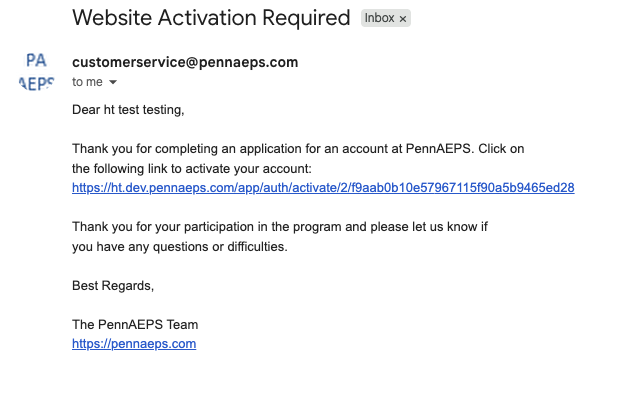
Click the link in the email that comes to you and log in.
Step 3
Complete Aggregator Application
Answer a few questions about your aggregate (name, website, services, etc). Once you’ve completed the questions, click “Apply”.
We will review your aggregator application and you’ll be notified of approval or denial via email.
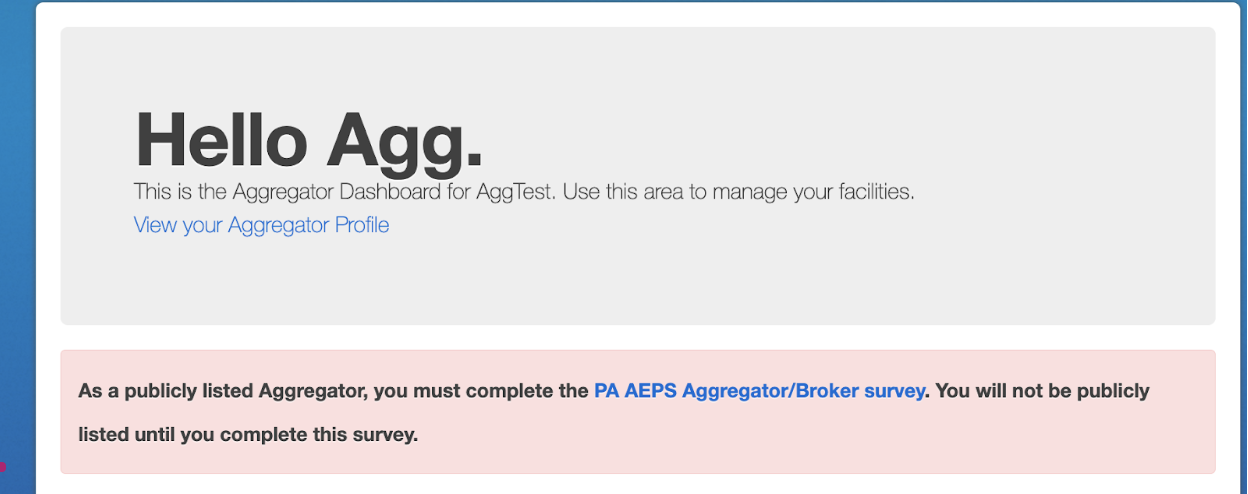
If you’ve chosen to be listed publicly on our site you’ll be prompted to complete additional questions the next time you log in after aggregation application approval.
Step 4
Account Updates
If at any time your aggregate information changes, or you’d no longer like to be listed publicly, please update your account by selecting “Welcome “your name”” in the upper right hand corner and selecting “Account” from the dropdown.
